





Example Article Page with Blocks
This page contains examples of all of the blocks you might want to use to show content on an Article Page.
Intro text: Lorem Ipsum is simply dummy text of the printing and typesetting industry. Lorem Ipsum has been the industry's standard dummy text ever since the 1500s, when an unknown printer took a galley of type and scrambled it to make a type specimen book.
H1 heading
H2 heading
H3 heading
H4 heading
H5 heading
H6 heading
Paragraph text: Lorem Ipsum is simply dummy text of the printing and typesetting industry. Lorem Ipsum has been the industry's standard dummy text ever since the 1500s, when an unknown printer took a galley of type and scrambled it to make a type specimen book. It has survived not only five centuries, but also the leap into electronic typesetting, remaining essentially unchanged. It was popularised in the 1960s with the release of Letraset sheets containing Lorem Ipsum passages, and more recently with desktop publishing software like Aldus PageMaker including versions of Lorem Ipsum.
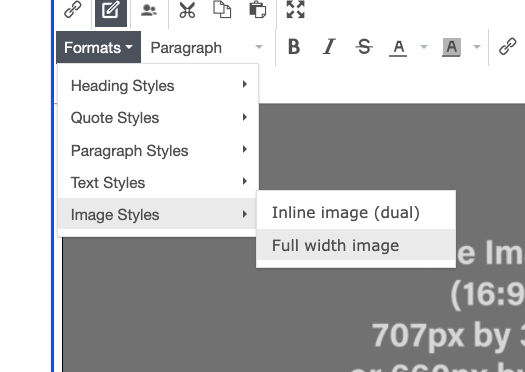
A bigger image may be required if your image contains text to ensure that the text is legible. To make your image full width and mobile responsive, select the image, click on Formats in the menu above, hover over Image Styles and Select Full width image:
<Optional> Accordion Container Block
<Optional> Accordion Container Description - appears below the title and above the accordion items.
Drag in Accordion Item Blocks below in the order you want them to appear on the page.
<Required> Accordion Item Block
<Required> Accordion Item Content.
Image is optional. If you add an image, the display on page will include a portion of the description.
Image dimensions:
width: 135 px
height: 135 px

Call out Box
This is a Call out box, used to emphasize another part of text in its own box.
The image is optional. You can also add an optional button to link to another page or an external page.
You can flip the orientation - so that the image is on the right hand side - using the "Flip?" checkbox below.
Image height is variable. You may want to use a taller or shorter image depending on the amount of content you want to put here.
<Optional> Gallery Title
<Optional> Gallery caption - appears below the gallery title and above the images.
Required: Add Gallery Item Blocks above to add images to the gallery. Can also be used to link to other pages.
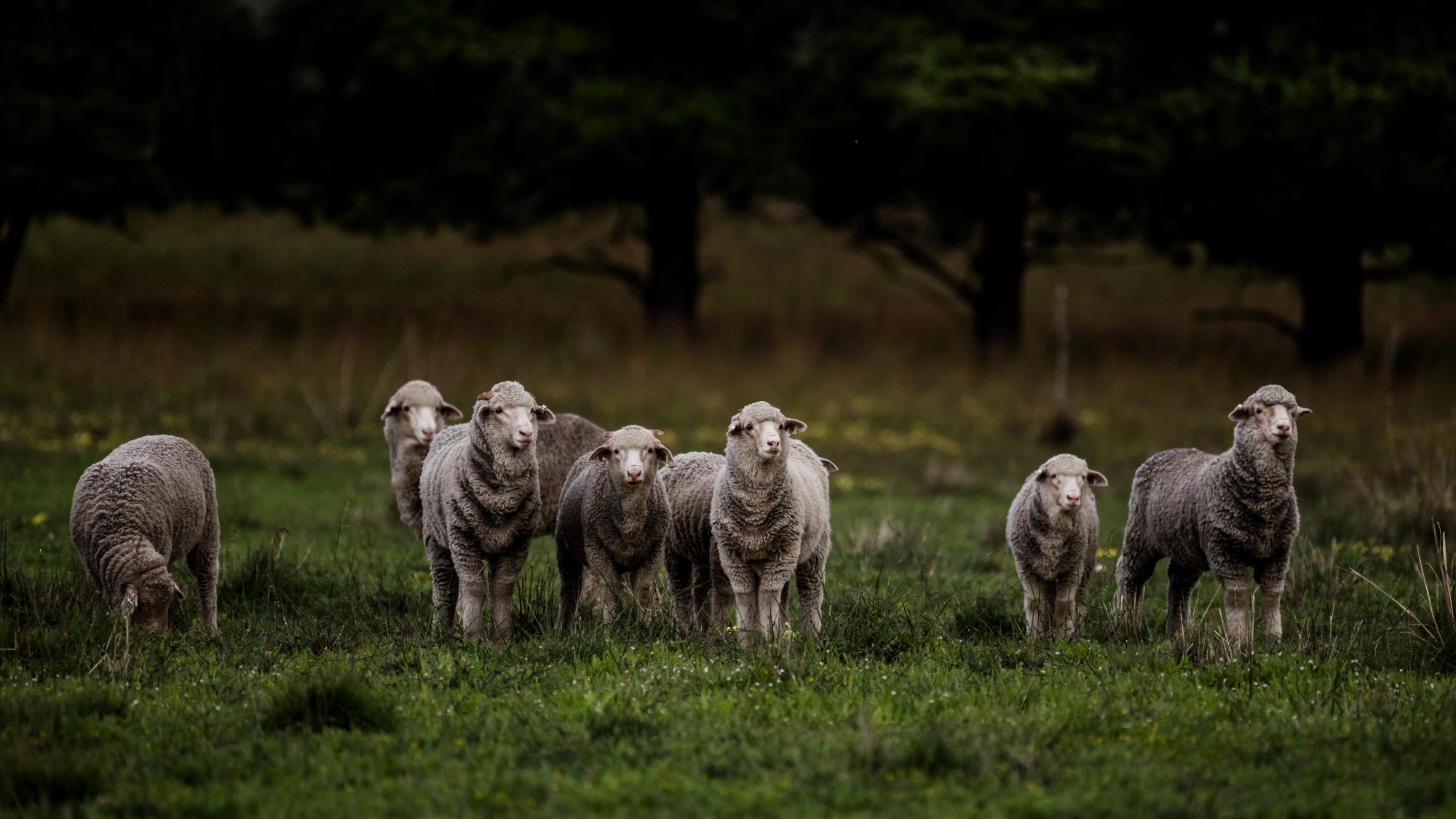
This is a Link Collection Block, which houses Link Items.
Managing yourself in tight times
In this AWI Extension SA '10 minute talk' with Ken Solly talks about Managing yourself in tight times.